
How SharePoint Helps Sales and Marketing Teams Work Better Together
Sales and marketing depend on much of the same information. Yet that information often sits across completely different systems.
Marketing creates presentations, case studies, campaign assets, product information, and sales collateral. Sales needs those resources quickly and in their latest approved form.
That is the point where problems usually begin. Files move through email, shared drives, Teams chats, CRM records, and personal folders. Approvals stall. Older presentations remain in circulation. Sales representatives may struggle to find approved content before an important customer conversation.
A well-planned SharePoint for sales and marketing teams environment can reduce that friction. SharePoint provides a structured space for documents, knowledge, workflows, communication, and controlled content. It also connects with Microsoft 365 and Power Platform.
Instead of adding another disconnected tool, businesses can create a clearer information layer around systems their employees already use.
SharePoint should complement specialist CRM and marketing platforms, not replace them unnecessarily.
Key Takeaways
- SharePoint can provide one controlled source for sales and marketing content.
- SharePoint document management reduces version conflicts and scattered files.
- Power Automate can support proposal, campaign, and content approvals.
- CRM integration can connect customer records with supporting documents.
- Power BI can bring relevant reporting into SharePoint pages.
- SharePoint agents can improve access to approved internal knowledge.
- SharePoint should complement specialist CRM and marketing platforms, not replace them unnecessarily.
What Is SharePoint?
Microsoft SharePoint is a content management and collaboration platform within Microsoft 365.
Organizations use it to create sites, manage documents, publish information, control access, maintain lists, and support business processes.
For sales and marketing, its real value comes from structure.
A proposal does not need to remain another file inside another folder. SharePoint can classify it by owner, product, region, status, audience, or approval stage.
Marketing assets can follow the same approach. Metadata, libraries, permissions, search, and version history make information easier to maintain and reuse.
SharePoint also works with Microsoft Teams, Power Automate, Power Apps, Power BI, Outlook, OneDrive, and Dynamics 365. Together, these tools can address a common business problem: information exists, but employees cannot reach it efficiently.
Where Sales and Marketing Usually Lose Time
A lack of software rarely causes the biggest problem. Poor information flow does.
Imagine a salesperson downloading a presentation on Monday. Marketing replaces that file two weeks later, but the old copy remains on the salesperson’s laptop.
Now consider a campaign brief circulating through several email threads. Nobody can quickly confirm which version contains the final comments.
Proposal approvals cause another familiar problem. Sales may know that legal review started, yet have no visibility into its current status.
These gaps look small in isolation. Across dozens of campaigns and opportunities, they create duplicate work, inconsistent messaging, approval delays, and avoidable customer-facing errors.
SharePoint sales and marketing collaboration works best when it removes those everyday points of friction.
How SharePoint Can Support Sales and Marketing Teams
Sales and marketing teams rely on fast access to accurate information, approved content, and clear workflows. SharePoint can bring these elements together in one structured workspace.
From document management and sales enablement to workflow automation and reporting, it can support everyday tasks without adding another disconnected system. The real value comes from using SharePoint around practical business needs, not simply as a place to store files.
Here are some of the most useful ways SharePoint can support sales and marketing teams.
1. Create One Reliable Source for Important Documents
Sales and marketing handle a large amount of business-critical content.
Common examples include:
- Pitch decks
- Proposal templates
- Product sheets
- Price lists
- Brand guidelines
- Case studies
- Campaign briefs
- Customer presentations
- Research reports
- Contracts and supporting documents
Simply moving everything into one large SharePoint folder will not solve the problem.
Useful SharePoint document management needs structure. Libraries can classify content through metadata such as product, region, audience, campaign, owner, status, or expiration date.
Version history provides another layer of control. Employees can see how a document changed and restore an earlier version when necessary. That reduces collections of files labeled “final,” “final-v2,” and “final-approved.” More importantly, customer-facing teams gain confidence that they are using current information.
2. Build a Practical Sales Enablement Hub
Sales enablement breaks down when good content exists but nobody can find it quickly. A SharePoint sales enablement hub can organize approved resources around products, industries, buyer needs, or sales stages.
Content may include:
- Proposal templates
- Industry presentations
- Customer success stories
- Product documentation
- Pricing guidance
- Objection-handling resources
- RFP material
- Sales playbooks
- Internal FAQs
- Competitive intelligence
This approach also improves SharePoint knowledge management for sales. New representatives can find answers without relying on colleagues for every question. Experienced sellers gain faster access during urgent opportunities.
Marketing benefits too. Instead of repeatedly sending the same files, marketers can maintain approved resources in one controlled location.
3. Give Marketing Better Control Over Digital Assets
Marketing produces more than campaign content. The department also maintains brand files, presentations, templates, research, customer stories, event material, and sales collateral.
The difficult part often comes after creation. Who owns the asset? Which version is approved? When should it expire? Which region can use it?
SharePoint marketing asset management can add that missing structure. Metadata can classify material by campaign, channel, product, geography, audience, owner, or review date.
A salesperson could then filter approved healthcare case studies without opening several folders. Marketing can also archive outdated material while retaining its history. That becomes especially useful when several business units share the same content library.
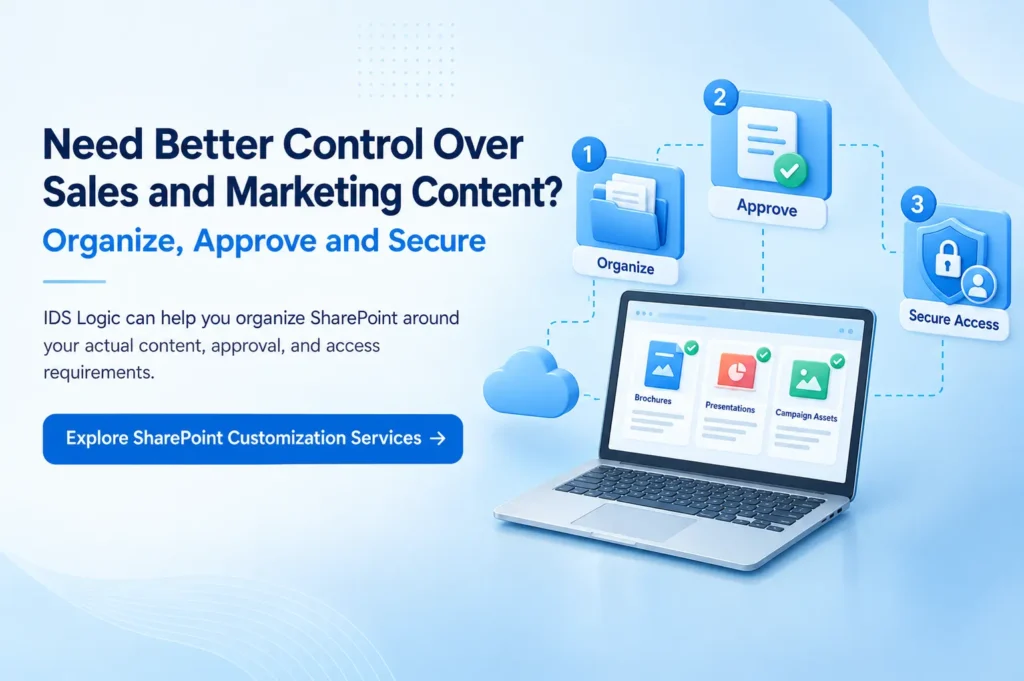
4. Replace Email-Based Approvals With Clear Workflows
Approvals become difficult to manage when documents move repeatedly between inboxes.
A proposal may require commercial, legal, finance, or technical approval. Marketing assets can require brand, compliance, or management review.
A SharePoint content approval workflow gives each stage a clearer path.
SharePoint libraries and lists can support approvals. Power Automate can extend the process across notifications, conditions, and other business systems.
A proposal workflow could follow this sequence:
Proposal submitted → manager reviews → legal approves → sales receives confirmation → approved version becomes available
Marketing can apply similar workflows to:
- Campaign briefs
- Customer emails
- Brochures
- Product announcements
- Website content
- Event material
- Sales collateral
Instead of repeatedly asking for the latest status, employees can follow a defined process.
5. Use SharePoint and Power Automate for Repetitive Processes
Not every manual task deserves automation. The best candidates are repeatable processes with clear rules.
SharePoint workflow automation can support activities such as:
- Proposal approval notifications
- Campaign review reminders
- Content expiration alerts
- Lead handoff notifications
- Asset approval requests
- Event follow-up actions
- Customer document routing
- Sales collateral update alerts
SharePoint and Power Automate can connect lists and document libraries with email, Teams, approvals, and supported services.
Power Automate can also react when SharePoint list items or library files change.
Start with one stable process. A simple reminder or approval flow often creates more value than an elaborate workflow employees struggle to understand.
6. Improve Collaboration Without Building Another Silo
Sales and marketing already have enough communication channels. Another disconnected workspace can make the problem worse. Effective SharePoint collaboration tools should support the way employees already work.
Microsoft Teams can handle meetings, conversations, and immediate coordination. SharePoint provides structured content, pages, lists, knowledge, and document management behind that work.
A joint campaign provides a useful example. The campaign brief, approved creative, timelines, reports, and final documentation can remain inside a structured SharePoint workspace.
Teams can support day-to-day conversations around those resources. The result is a cleaner separation between temporary discussion and long-term business knowledge.
Organizations with wider requirements can also create a SharePoint intranet for sales and marketing. It can bring together department news, resources, dashboards, policies, playbooks, and important links without creating another isolated system.
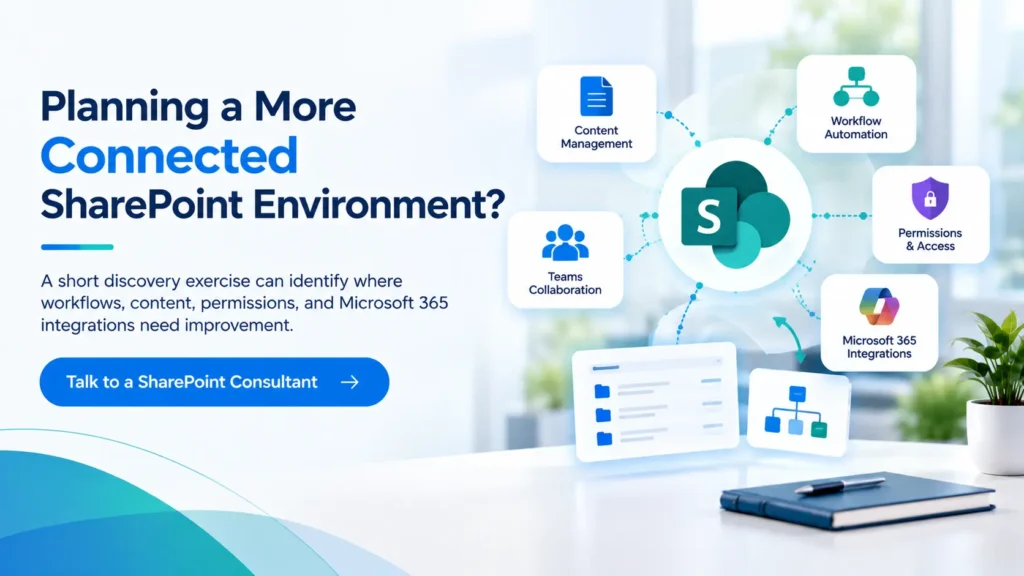
7. Connect SharePoint With CRM Processes
SharePoint can manage documents, lists, supporting information, and lightweight tracking.
That does not make it a replacement for a mature CRM.
CRM systems specialize in customer records, opportunity management, sales activity, forecasting, and pipeline processes.
SharePoint serves a different purpose. It can manage the documents and knowledge connected to those customer processes.
For Microsoft environments, SharePoint CRM integration can connect Dynamics 365 records with SharePoint-based document management.
A sales representative may access proposals or customer documents connected with a relevant account or opportunity.
Third-party CRM platforms can also connect through supported connectors, APIs, integration platforms, or custom development.
Architecture should depend on security, volume, workflow, ownership, and business requirements. Avoid recreating your entire CRM inside SharePoint without a clear reason.
8. Bring Useful Reporting Into the Workspace
A dashboard only matters when it answers a business question. Sales leaders may want visibility into targets, pipeline movement, account activity, or conversion.
Marketing teams may monitor campaign results, events, content performance, or lead activity. SharePoint Online can display interactive Power BI reports through the Power BI web part.
Users still need appropriate Power BI access and licensing. A SharePoint sales dashboard can therefore place relevant reporting beside documents, plans, and team resources.
The source system should continue to own the underlying business data. SharePoint then becomes a convenient place to surface information employees need during everyday work.
9. Help Employees Find Knowledge With SharePoint Agents
AI changes how employees can interact with internal information. SharePoint agents can answer questions using SharePoint content that the user already has permission to access.
Organizations can also configure agents around selected content and instructions, subject to Microsoft’s licensing requirements. Think about a salesperson preparing for a meeting.
Instead of opening several documents, the user could ask for approved product information or relevant internal material.
Marketing could apply the same approach to:
- Brand guidance
- Campaign documentation
- Product messaging
- Approved case studies
- Research
- Internal FAQs
However, AI cannot rescue badly managed content. Duplicated documents, weak permissions, unclear ownership, and outdated information still create poor results. Clean information architecture remains the foundation.
10. Make Important Internal Updates Easier to Find
Sales and marketing frequently publish information other departments need.
Examples include:
- Product launches
- New campaign announcements
- Updated sales resources
- Event information
- Customer wins
- New case studies
- Pricing guidance
- Important brand changes
SharePoint communication sites and News provide structured channels for these updates. Employees can return to published information instead of searching old emails or chat messages. That creates a more dependable communication history.
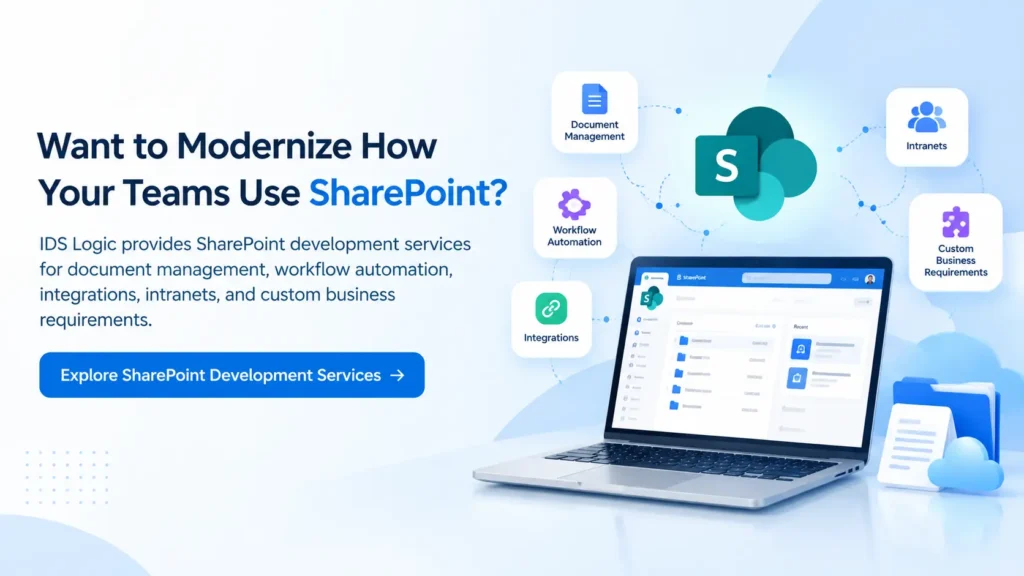
What Should Marketing Teams Use SharePoint For?
The best SharePoint for marketing teams setup concentrates on work that needs shared ownership and control.
Useful applications include:
- Campaign planning
- Digital asset libraries
- Content approvals
- Event coordination
- Marketing calendars
- Brand resource centers
- Research libraries
- Agency collaboration
- Internal communication
- Sales collateral management
SharePoint does not need to replace specialist marketing platforms. Advertising, SEO, marketing automation, campaign analytics, and other specialist functions can remain in purpose-built systems.
SharePoint can connect the people, content, approvals, and knowledge surrounding that work. That is usually a more sustainable approach.
What Should Sales Teams Use SharePoint For?
SharePoint for sales teams becomes valuable when representatives need trusted information without searching several systems.
Common applications include:
- Proposal libraries
- Customer document spaces
- Sales playbooks
- Product knowledge
- Approved pricing information
- Case study libraries
- RFP resources
- Account documents
- Sales onboarding material
- CRM-linked document management
Speed matters during customer conversations. A representative should not spend several minutes trying to identify the latest presentation. Good structure makes current, approved information easier to find.
Where SharePoint Should Not Be Forced Into the Process
SharePoint is flexible. That flexibility can become a problem when businesses try to make it handle everything.
Avoid rebuilding specialist CRM, marketing automation, analytics, or project management systems without a genuine business case.
SharePoint is particularly effective for:
- Document management
- Internal knowledge
- Collaboration
- Controlled publishing
- Approvals
- Structured lists
- Microsoft 365 integration
- Internal communication
Specialized systems should continue handling specialized work. Integration often produces a better result than replacement. That approach also reduces unnecessary customization and future maintenance.
How to Build SharePoint That Employees Will Actually Use
Technology does not guarantee adoption. A poorly structured SharePoint environment can become another platform employees avoid. Successful implementations usually get several fundamentals right.
1. Start With Real Operational Problems
Speak with the employees doing the work. Find where they search for information, repeat tasks, wait for approvals, or maintain duplicate records. Build around those problems rather than a feature list.
2. Decide Which System Owns the Information
Every important data type needs a clear system of record. Customer pipeline data may belong in CRM. Approved collateral may belong in SharePoint. Reporting could combine several systems through Power BI. Clear ownership prevents duplication.
3. Design the Information Architecture Before Moving Content
Copying an old shared drive directly into SharePoint rarely creates a better environment. Plan libraries, metadata, content types, navigation, ownership, and search first. Users should understand where information belongs. They should also know how to find it again.
4. Keep Permissions Practical
Sales and marketing may handle confidential pricing, contracts, customer information, and unreleased campaign material. Access should reflect real job responsibilities. Avoid unnecessary file-level permission exceptions across hundreds of documents. Complex permission structures become difficult to review and maintain.
5. Automate Processes That Are Already Clear
Do not automate a broken process. First agree on the steps, owners, exceptions, and expected outcome. Then decide where automation adds value. Proposal approvals and campaign reviews often provide sensible starting points.
6. Give Every Important Area an Owner
Sites, libraries, workflows, and critical content need accountable owners. Without ownership, outdated information accumulates and permissions drift. Periodic reviews keep the environment useful after launch.
What Has Changed for SharePoint in 2026?
SharePoint remains an active part of Microsoft’s broader Microsoft 365 strategy. AI-assisted knowledge access is one of the most visible developments.
SharePoint agents can work with permitted site and library content. Microsoft also continues developing SharePoint Framework for modern extensibility.
There is another important distinction for organizations using on-premises deployments.
SharePoint Server 2016 and SharePoint Server 2019 reached the end of support in July 2026.
That does not mean SharePoint itself has been discontinued. SharePoint Online continues to evolve, while SharePoint Server Subscription Edition remains supported.
Businesses still operating older server versions should review their modernization path rather than treating the platform as obsolete.
When Does Custom SharePoint Development Make Sense?
Standard SharePoint capabilities cover many collaboration and document-management requirements. Custom development becomes worthwhile when the business process needs more.
Examples include:
- Complex workflow logic
- Custom forms
- CRM or ERP integrations
- Specialist sales portals
- Advanced permission requirements
- Custom web parts
- Specialized dashboards
- Legacy process modernization
- Large intranet environments
Customization should solve a clear business problem. A responsible SharePoint partner should not recommend custom development simply because it is possible.
Use standard capabilities where they work well. Extend the platform when requirements justify additional complexity.
Organizations evaluating those options can review SharePoint customization services or begin with SharePoint consultation.
Build SharePoint Around How Sales and Marketing Actually Work
Sales and marketing alignment rarely fails because employees refuse to collaborate. Information often makes collaboration harder than necessary.
Documents sit in too many places. Approvals disappear into inboxes. CRM records and supporting files become disconnected.
Important knowledge can also remain trapped inside individual departments. SharePoint can reduce those problems when the platform has a clear role.
A strong implementation does not force every process into one system. Instead, it creates a controlled information layer around tools employees already depend on.
Sales gains faster access to trusted resources. Marketing keeps tighter control over approved content. Managers gain clearer processes and better visibility. The wider business spends less time searching, checking, and rebuilding work.
Frequently Asked Questions
Q1. How does SharePoint help sales and marketing teams work together?
SharePoint provides a shared environment for documents, knowledge, approvals, campaign resources, and internal updates. Marketing can control approved content while sales gains faster access to current material. Teams, Power Automate, Power BI, and CRM integrations can extend that environment.
Q2. Can SharePoint replace a CRM for sales teams?
Usually, no. SharePoint can manage documents, lists, knowledge, and lightweight tracking. A dedicated CRM is better suited to opportunities, activities, contacts, forecasting, and pipeline management. Connecting both platforms often provides a stronger solution.
Q3. Can SharePoint integrate with CRM systems?
Yes. SharePoint CRM integration can connect customer processes with relevant SharePoint documents and knowledge. The architecture depends on the CRM, security model, data ownership, volume, and integration requirements.
Q4. Can SharePoint automate sales and marketing approvals?
Yes. SharePoint and Power Automate can support proposal reviews, campaign approvals, reminders, document routing, and other repeatable workflows. The best results come from automating clear processes rather than complicated ones.
Q5. Can SharePoint manage marketing assets?
Yes. SharePoint libraries can organize presentations, campaign assets, brochures, templates, brand files, and other marketing resources. Metadata, version history, permissions, and approvals provide stronger content control.
Q6. How can SharePoint agents support sales and marketing?
SharePoint agents can answer questions using permitted SharePoint content. Sales may use them to find products, proposals, or internal knowledge. Marketing may use them around approved campaigns, brand, research, or product information. Microsoft licensing requirements apply.
Q7. Does SharePoint have a future?
Yes. Microsoft continues developing SharePoint Online, SharePoint Framework, Microsoft 365 integration, Copilot capabilities, and AI-assisted knowledge experiences. Organizations should distinguish current SharePoint services from older server releases that have reached end of support.
Q8. Is SharePoint being phased out?
SharePoint itself is not being phased out. SharePoint Server 2016 and 2019 reached end of support in 2026. SharePoint Online continues to evolve. SharePoint Server Subscription Edition also remains supported.
Q9. What changed in SharePoint during 2026?
AI-supported knowledge discovery continued to become more important during 2026. SharePoint agents and newer Copilot experiences provide additional ways to work with organizational content. Microsoft also continued investing in modern SharePoint extensibility.
Q10. Do sales and marketing teams need custom SharePoint development?
Not always. Standard SharePoint, Microsoft Lists, Teams, Power Automate, and Power BI can cover many common requirements. Custom development makes sense when integrations, workflows, security requirements, or user experiences become more specialized. A SharePoint consultation can help determine where standard functionality is enough.